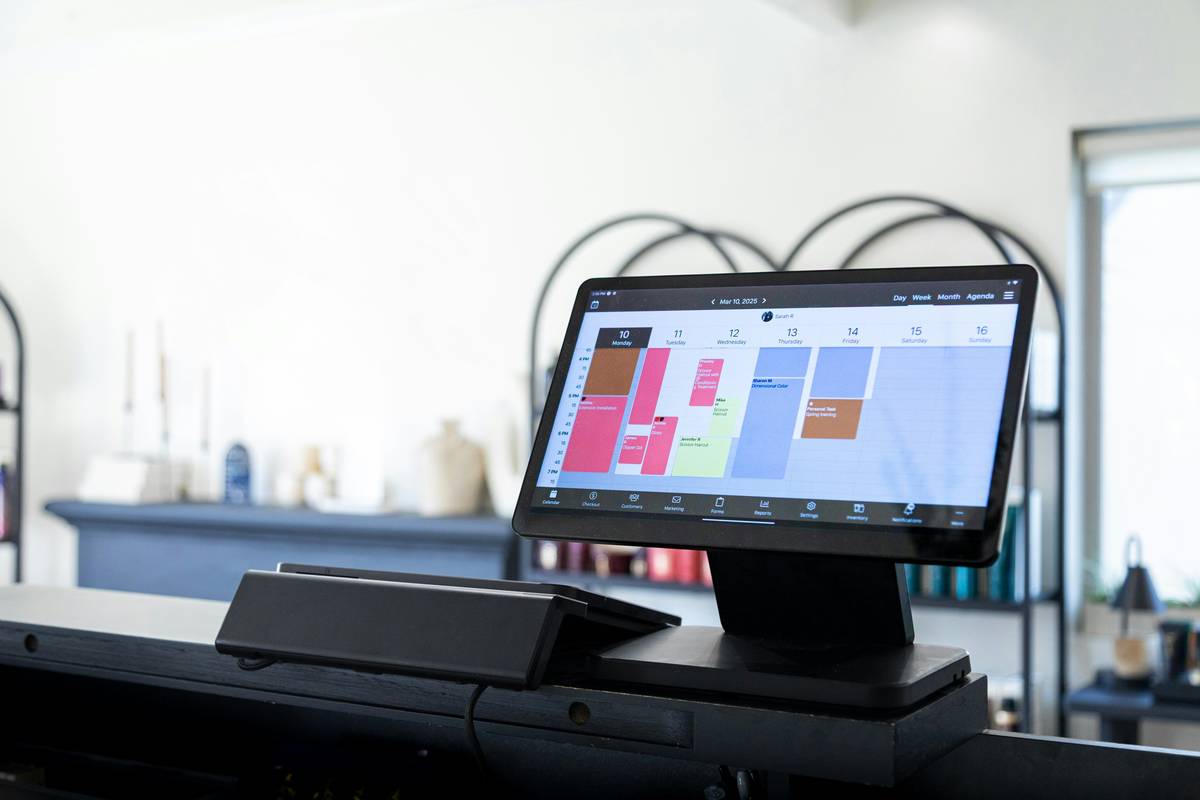
You set goals. You feel motivated. Then—life happens. Emails pile up. Deadlines blur. Your vision board gathers dust while your to-do list multiplies like rabbits. Planning apps for goal tracking promise clarity, but most just add digital noise. The real problem isn’t motivation—it’s mismatched tools.
Why Generic Planners Fail Even the Most Disciplined People
Traditional planners treat goals like static checklists. Real progress isn’t linear. It’s messy, iterative, emotional. Paper journals can’t auto-adjust when priorities shift. Calendar apps don’t distinguish between “urgent” and “meaningful.” And those flashy habit trackers? They measure streaks—not impact.
Worse—they ignore cognitive load. Every time you switch contexts (email → planner → notes app), your brain pays a tax. And that tax compounds. Burnout isn’t from working hard. It’s from working through friction.
The Step-by-Step Guide to Choosing & Using the Right Planning App
Forget downloading five apps and hoping one sticks. Start with your behavior—not features. Are you visual? Time-crunched? Prone to overcommitting? Match your personality to your tool. Here’s how:
Map Your Cognitive Style First
If you think in timelines, choose Gantt-style interfaces (like ClickUp). If you’re list-oriented, Todoist or TickTick offer clean hierarchies. Big-picture thinkers thrive in Notion’s canvas; detail-lovers prefer Obsidian’s granular linking.
Sync Goals with Daily Energy Patterns
Scheduling a deep-work session at 8 p.m. if you’re exhausted by then? Recipe for guilt. Use apps that let you assign tasks based on energy levels—not just time slots. Sunsama and Motion do this well.
Avoid the Notification Trap
Too many pings = decision fatigue. Turn off non-essential alerts. Only allow reminders for *time-sensitive* milestones. Better yet—schedule weekly reviews instead of daily nagging.

| App | Best For | Goal-Tracking Strength | Price (Monthly) |
|---|---|---|---|
| Tide | Focus + Micro-Goals | Pomodoro-based milestone completion | $0 (Free tier robust) |
| Notion | Custom Systems | Databases linked to OKRs or SMART goals | $8 (Plus plan recommended) |
| Motion | AI-Powered Scheduling | Auto-reschedules tasks around calendar gaps | $34 |
| Strides | Habit + Outcome Goals | Tracks both actions AND target metrics | $7.99 |

The Industry Secret: Success Lives in the Review Ritual—Not the Setup
Here’s what app developers won’t tell you: Onboarding is sexy. Maintenance is where goals die—or thrive. The elite 5% who actually hit targets don’t have better apps. They have ruthless weekly review protocols.
Every Sunday, they ask three questions: What moved the needle? What distracted me? What must shift next week? No app automates insight—but the right one surfaces data fast enough to answer these without mental gymnastics. That’s the real filter. Not UI polish. Not integrations. Speed of reflection.
And yes—it takes 12 minutes. Not two hours. If your system needs more, it’s too complex.
FAQ
What’s the best free planning app for goal tracking?
Strides offers powerful dual-tracking (habits + targets) with a generous free tier. Notion also works if you build your own dashboard—but requires setup time.
Can planning apps replace a human coach?
No. Apps track behaviors. Coaches uncover blind spots. Use apps for execution; hire humans for strategy shifts when you’re stuck.
How often should I update my goals in the app?
Weekly—during your review. Daily updates should only reflect task completion, not goal changes. Pivot too often, and you’ll confuse motion with progress.